How to transfer and retrieve your virtual fares on another Android device
20 July 2026
Protect your virtual fares when switching devices, resetting your device, or uninstalling and reinstalling the Chrono app by following these steps:
Transfer your virtual fares
Access your Chrono account through the app.
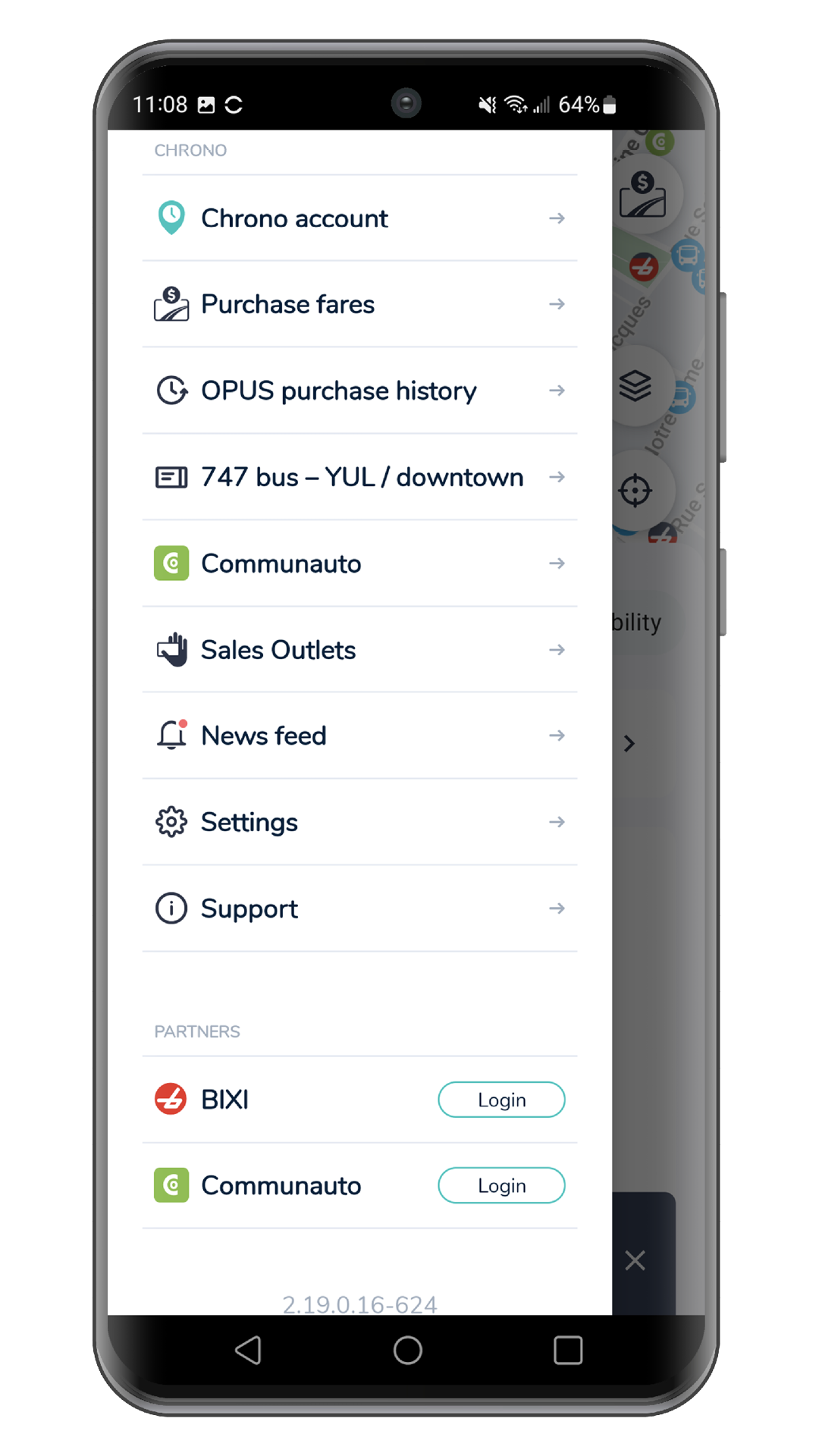
Select “Transfer my fares”.
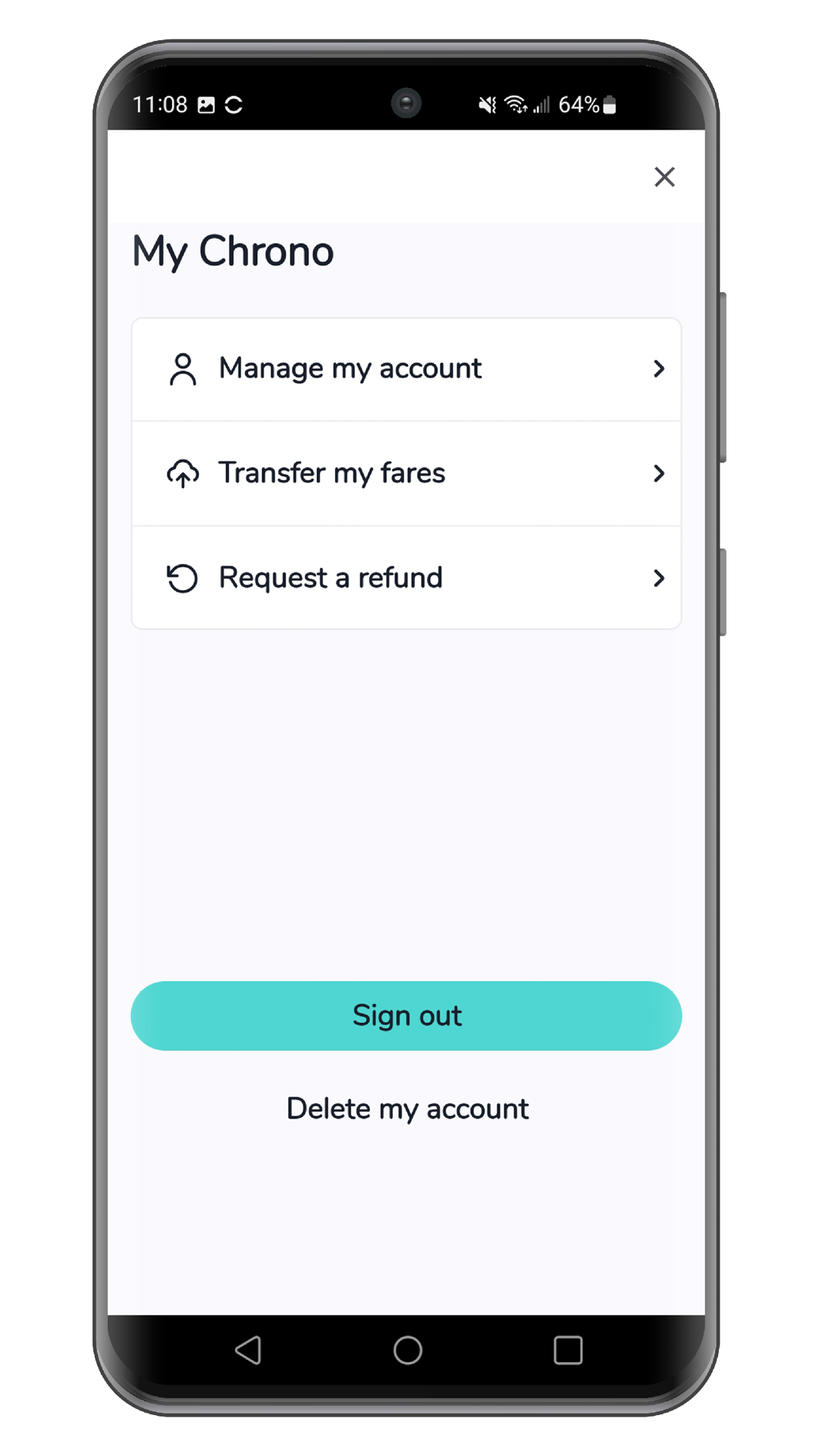
Keep the app open throughout the transfer and wait for the confirmation message to appear.
Retrieve your virtual tickets
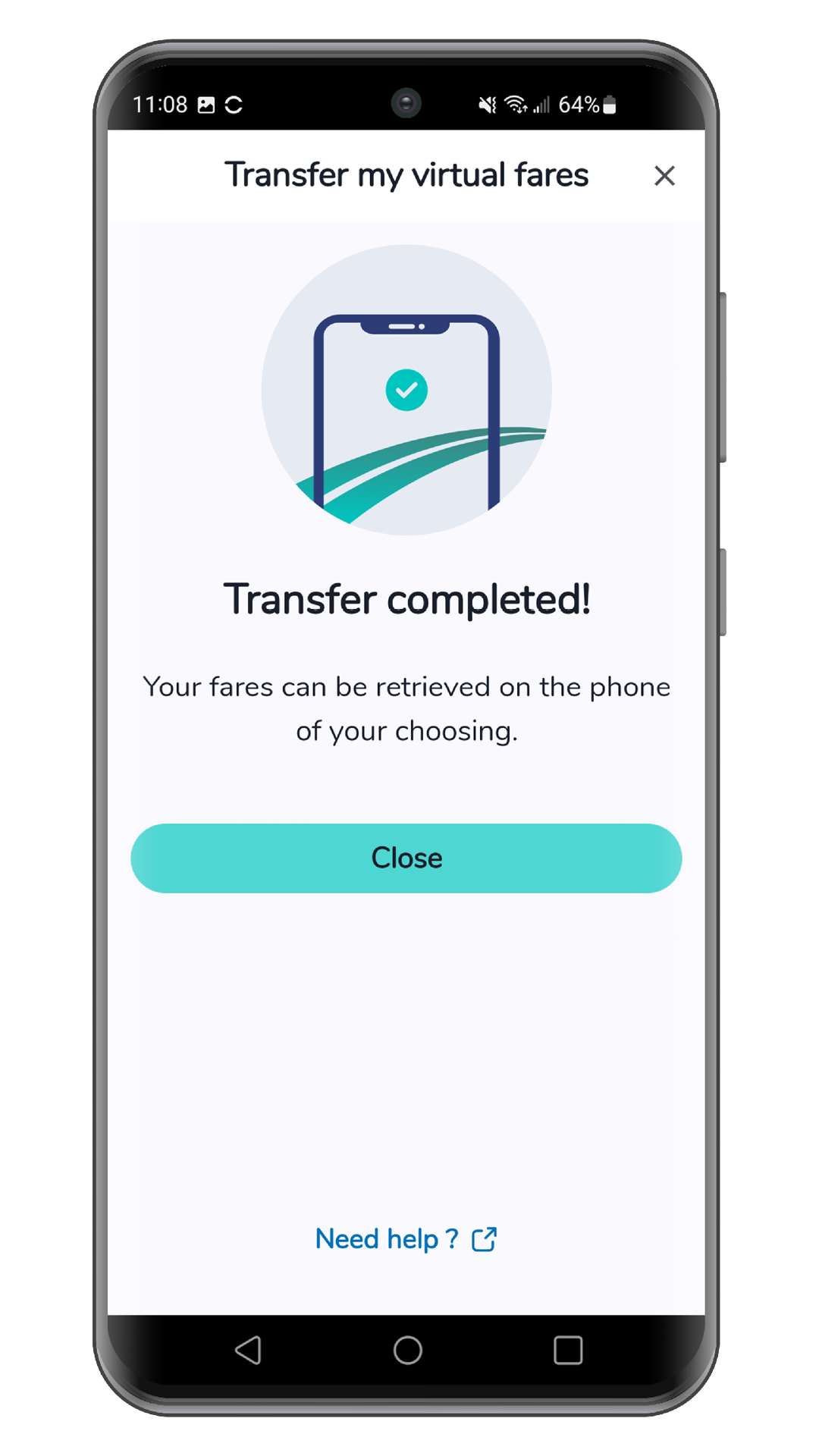
To access your virtual fares, go to “Purchase fares” in the main menu and select “Retrieve my fares”.
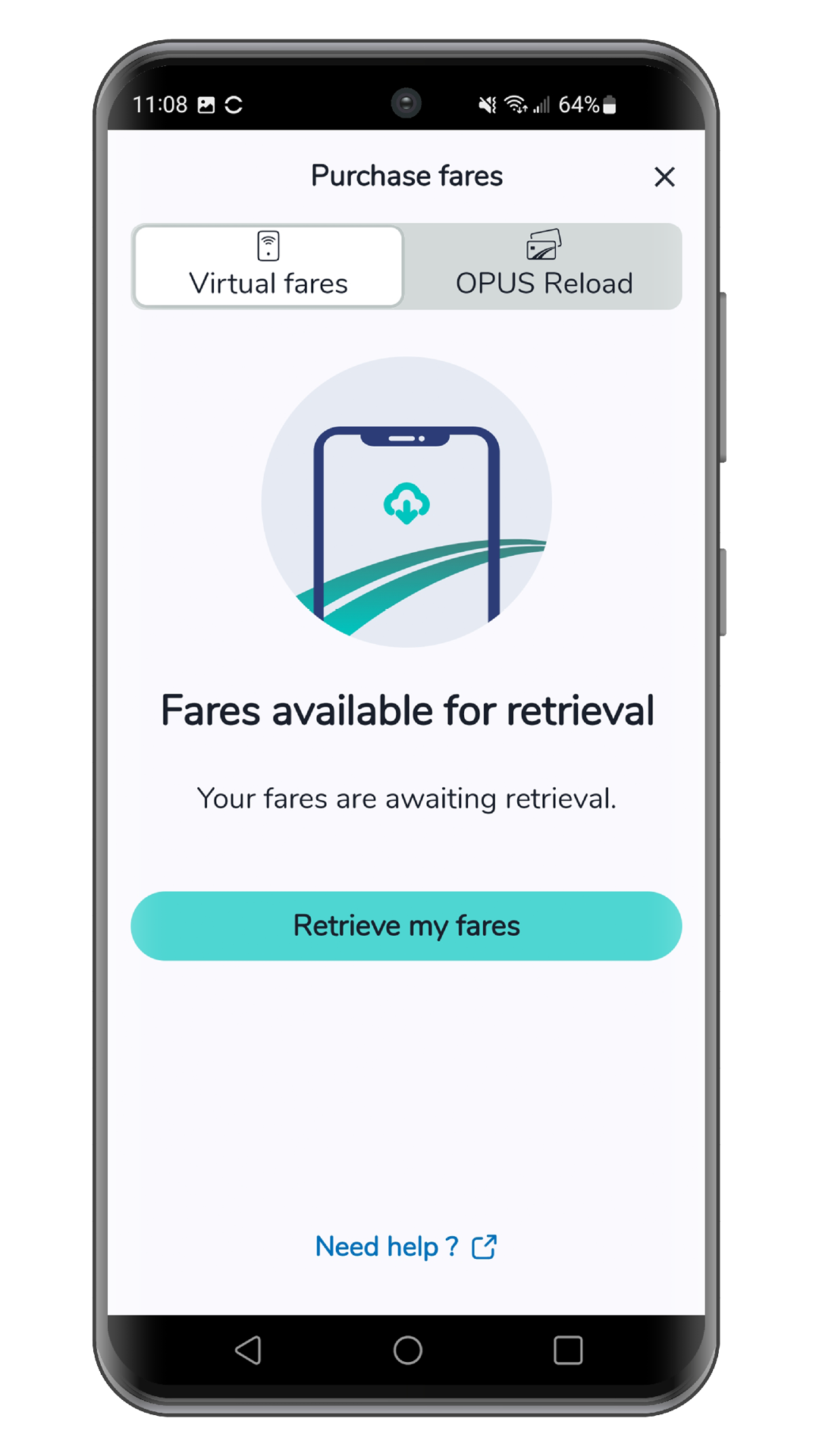
Keep the app open throughout the transfer and wait for the confirmation message to appear. Then select “Continue”.
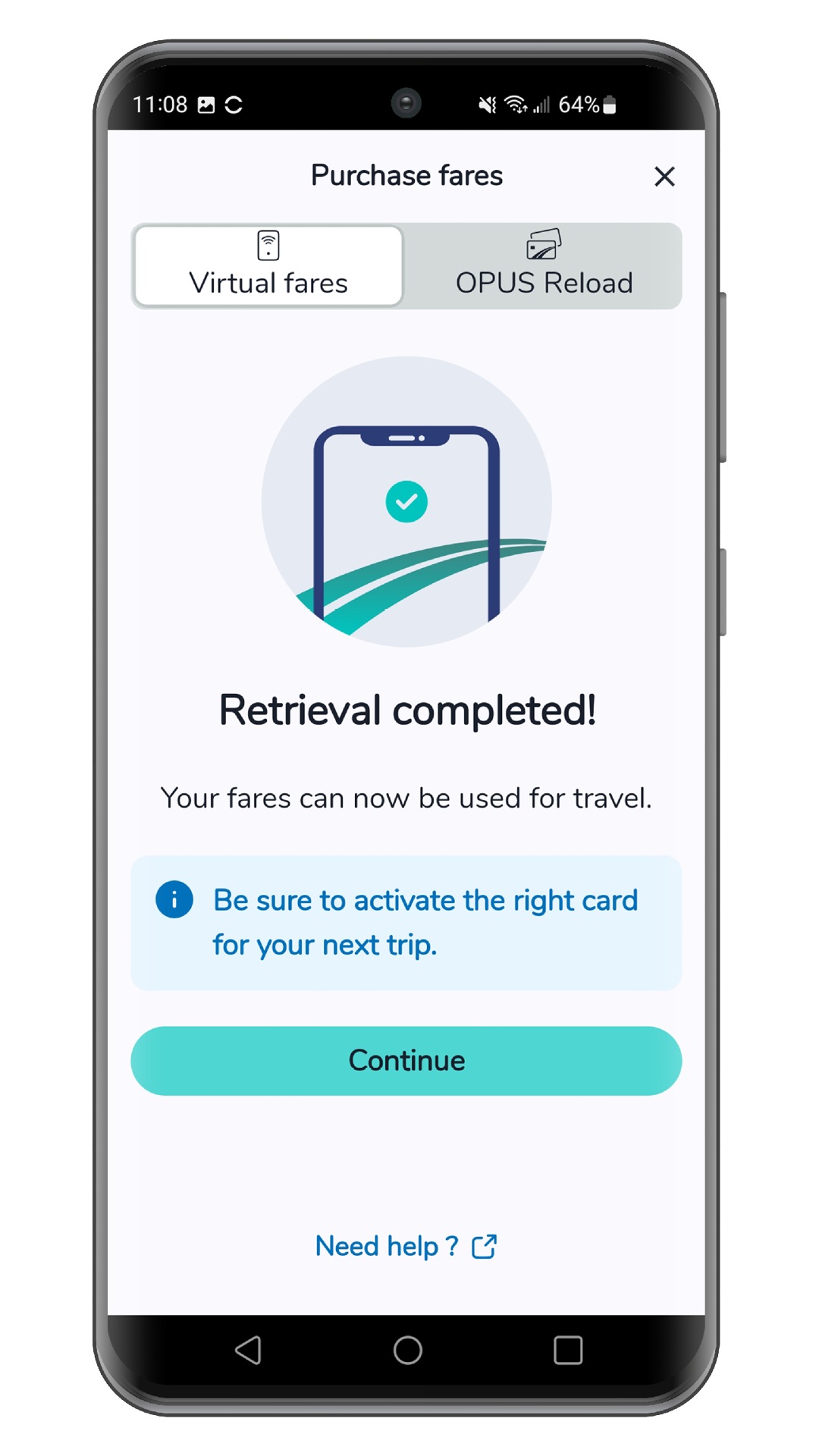
If the transfer or retrieval fails, you will be prompted to try again when you access the “Virtual fares” tab in the “Purchase fares” section of the main menu.
Share


Even more!
How to use the Virtual Fares feature
20 July 2026
The Virtual Fares feature in Chrono lets you purchase transit fares directly from your phone. This way, you can travel using your phone instead of [...]
How to use the OPUS Reload feature
10 April 2024
This feature lets you consult the contents of your OPUS or occasional smart card, and purchase new fares for your OPUS. See how to use [...]
How to use the OPUS reading feature
16 October 2023
This feature allows you to view the contents of your OPUS card or non-refillable smart card. See how to use this feature.